
Find & order Mercedes-Benz spare parts faster? I scan.
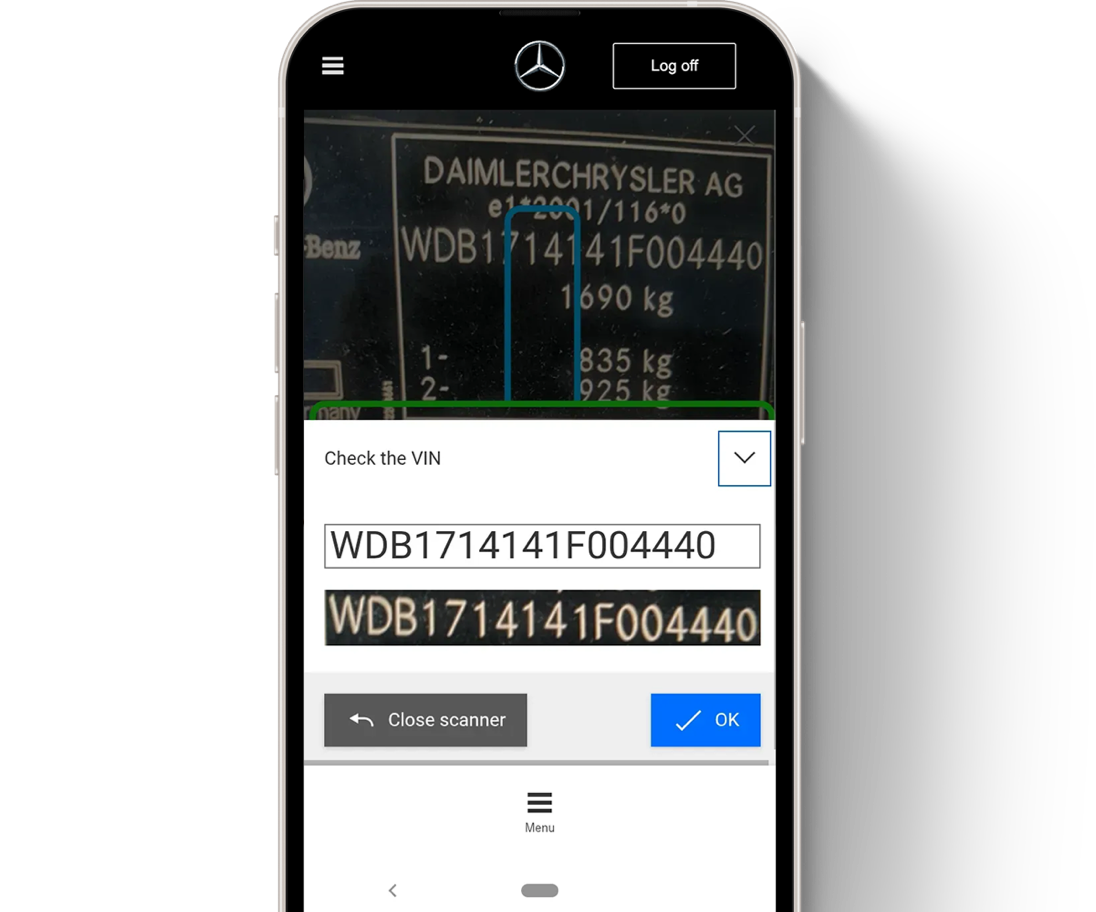
The mobile solution for your workshop: B2B Connect with VIN and parts scanner!
Simply scan and identify — from the axial joint to the spark plug: identify and order Mercedes-Benz spare parts within seconds using your smartphone.
With the free mobile solution from Mercedes-Benz B2B Connect, you save valuable time in your daily operations and work even more efficiently in your workshop. The mobile version is the extended arm of Mercedes-Benz B2B Connect, your workshop portal.
Your benefits at a glance
Identify Mercedes-Benz spare parts faster using VIN and parts scanning
Check part prices and availability with your Mercedes-Benz partner — directly at the vehicle
Save parts in the shopping cart or order them directly via mobile


Smart features for flexible use:
Shared shopping cart for the smartphone and PC versions of Mercedes-Benz B2B Connect
Parts search with or without using the camera and VIN
Submit orders directly via smartphone
Mobile use of B2B Connect in the video
In just over a minute, Anna shows you how easy it is to use the Mercedes-Benz B2B Connect parts scanner on your mobile device.
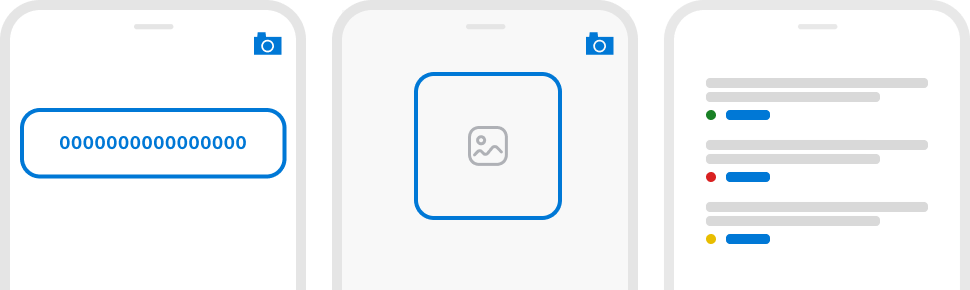
It's that easy: Find & order Mercedes-Benz spare parts
1. Scan VIN
Save time and avoid typos by scanning the VIN directly on the vehicle. The VIN is instantly recognized!
2. Scan and search for parts
Instead of searching through the entire parts catalogue, scan a part and go straight to the exploded diagram.
3. Check price and availability of parts
Add parts to your basket and automatically see the discounted price and availability from your preferred distributor.
Open B2B Connect easily on your smartphone!
1. Access B2B Connect
Simply open the link in your smartphone’s browser:
https://b2bconnect.mercedes-benz.com
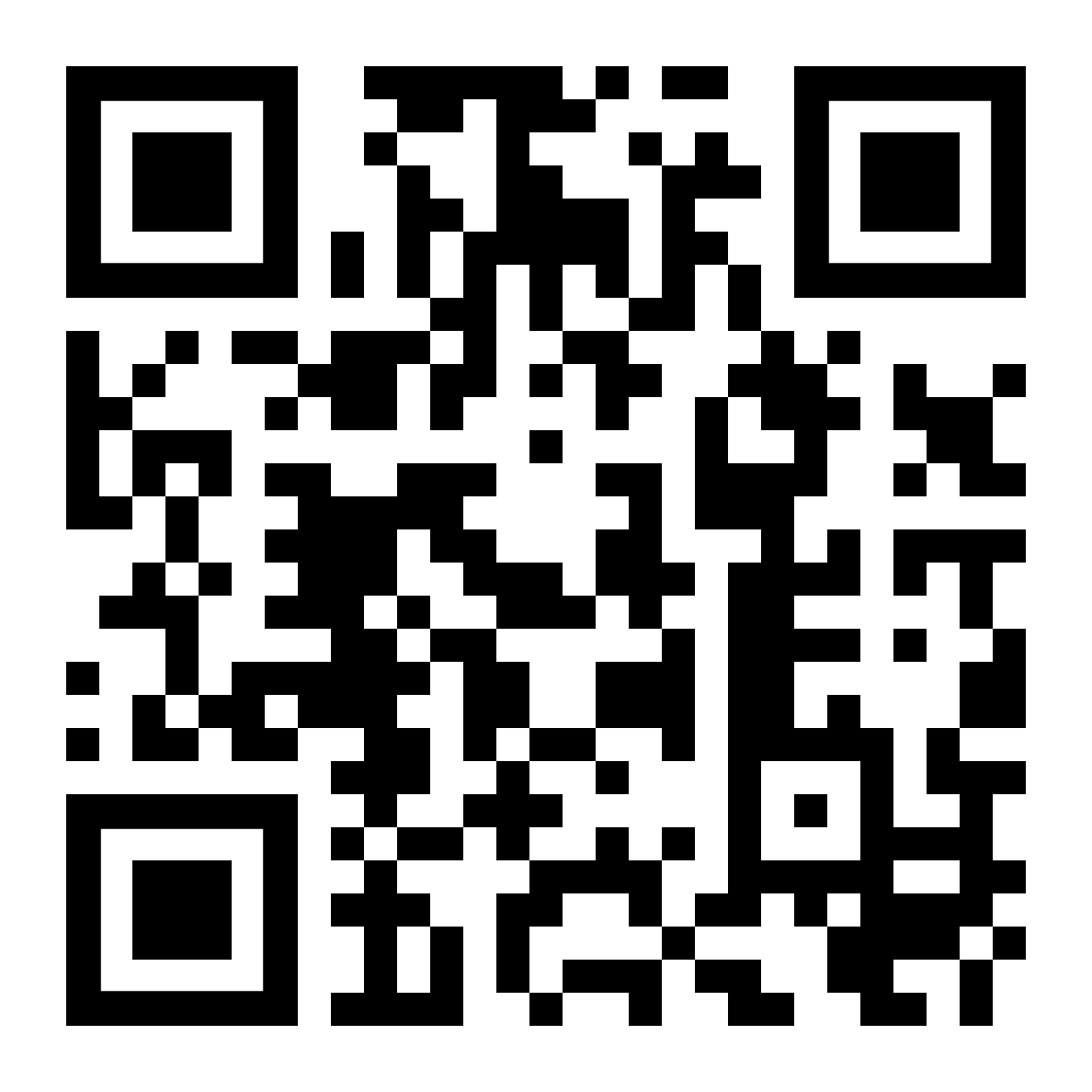
Got your smartphone handy? Just scan the QR code to open B2B Connect.
2. Log in
Then log in using your existing Mercedes-Benz B2B Connect credentials.
Don’t have a Mercedes-Benz B2B Connect login yet? Simply register directly.
3. Save for quick access
Save B2B Connect as an icon on your smartphone:
Apple iOS
Open the page → tap the Share button → select “Add to Home Screen”
Android
Open the page → tap the three dots in the top right → select “Add to Home screen”
Use B2B Connect in both ways: on mobile and on desktop.
Use B2B Connect both on your smartphone and on your workshop PC. The desktop version provides the perfect foundation for even greater efficiency in your workshop:
• Genuine parts, accessories, and workshop equipment
• Conveniently create and manage customer vehicles
Frequently asked questions about the mobile use
Do I need additional login credentials?
No. You can log in with your existing Mercedes-Benz B2B Connect account. Not registered yet? Simply sign up here.
Do I need a camera?
No. You can also enter a vehicle identification number manually without using a camera and go directly to the catalog to search for parts.
Is mobile use free of charge?
Yes, every registered Mercedes-Benz B2B Connect user can use it free of charge.
Is there support if I have questions about mobile use?
Yes, you can contact our support team directly via the help section.